

SpeedBox 3.2 for Brose (S-Mag Pro FIT) - Package: BAG, Qty: 100 pcs + 16 free
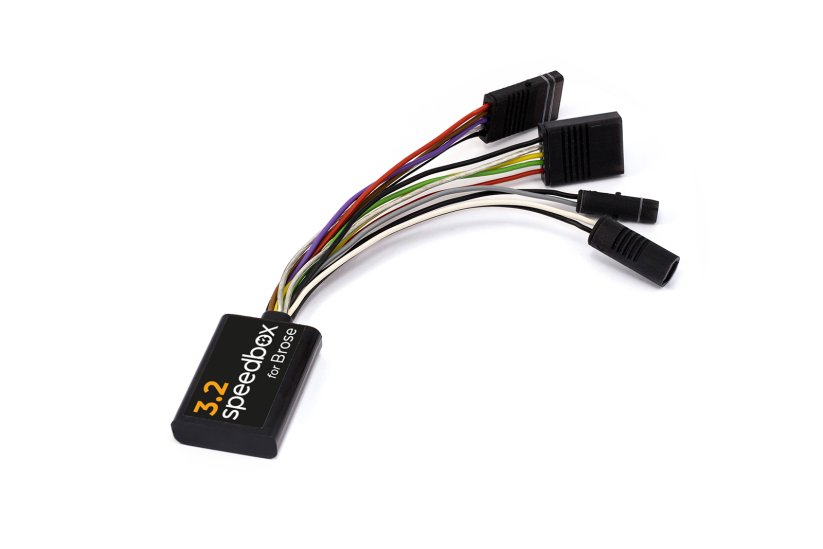
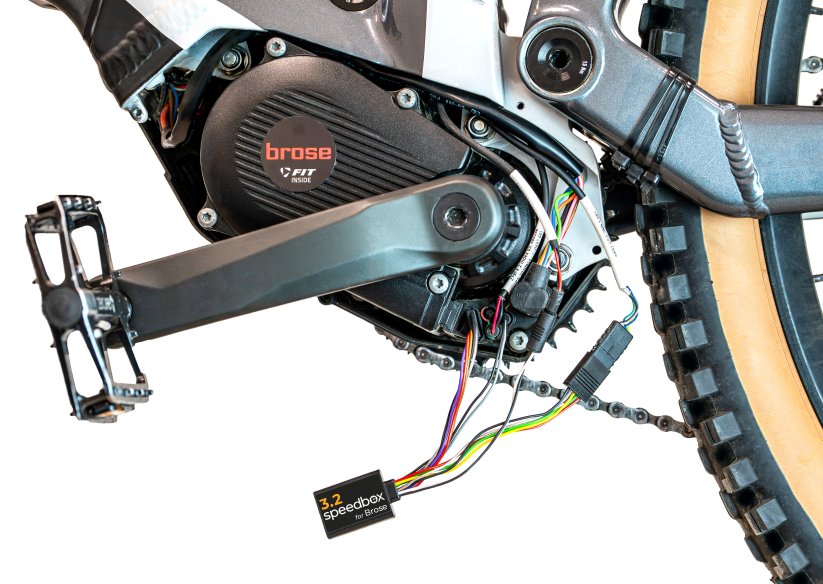


Tuning chip for e-bikes with Brose S-Mag Pro FIT motor
Unlock the 25 km/h limit and use the full power of your e-bike without restrictions!
More natural riding, higher speed, maximum experience
The display shows real speed
More
Product code: SB32_BRO_100+16pcs_BAG Shipping and Payment
Key features
SpeedBox 3.2 for Brose is a tuning chip designed specifically for e-bikes with Brose S-Mag Pro FIT motors. By removing the 25 km/h speed limit, you can fully enjoy the performance of your e-bike.

Tuning control
Switch between the 25 km/h limit and unrestricted mode
Easy installation
Anyone can install it using our clear guides and video instructions
Compatibility
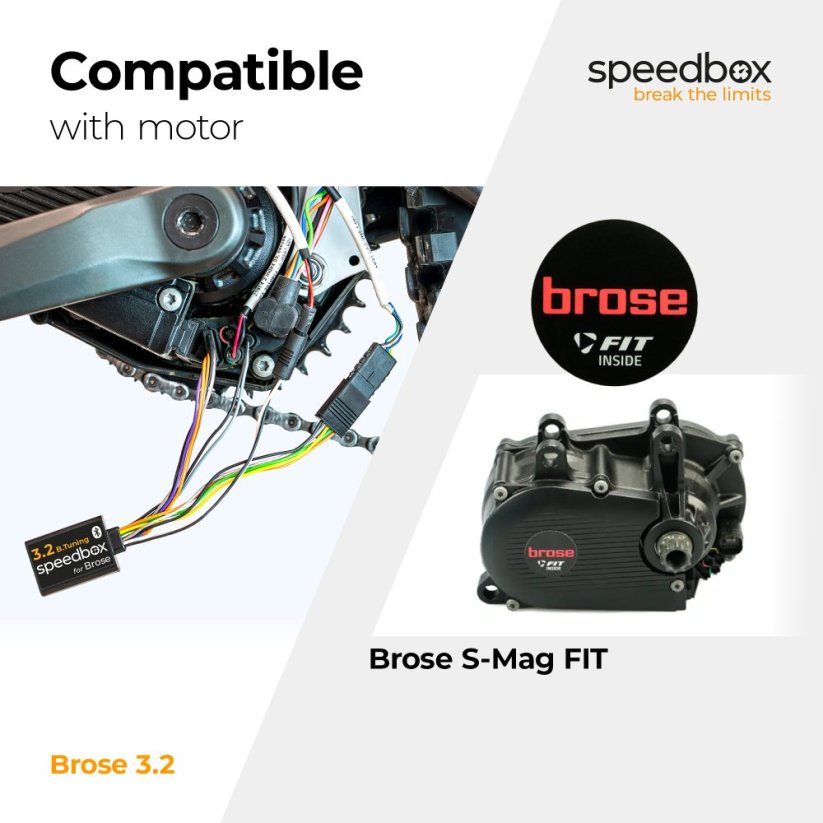
Motors: Brose S-Mag Pro FIT
Not compatible with: Enviolo Automatiq
Not compatible with e-bikes: without a connector in the display port, ABS
Technical specifications
| Maximum speed | Unlimited (depends only on pedaling cadence) |
|---|---|
| Display shows | Real values |
| Custom speed limit | Adjustable |
| Activation / deactivation | Double press of the LIGHT button / alternatively + - + - buttons |
| Bluetooth | No |
| Updates | No |
Installation
The installation is simple and intuitive. Choose the method that suits you best — video tutorial, printed manual, or a detailed step-by-step picture guide.
Video tutorial
A detailed installation and activation guide is available on our YouTube channel
Printed manual
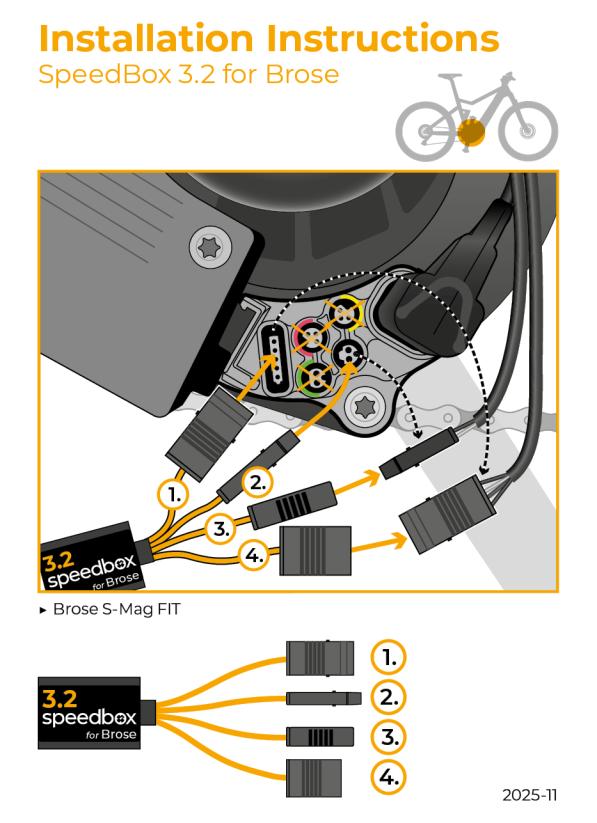
The product package includes a printed manual with a wiring diagram for connecting the chip to the motor
Step by step
The illustrated guide walks you through installation step by step — from removing the motor cover to the test ride. Each step includes photos and a clear description.
User manual →Tuning control
Activate tuning by double-pressing the LIGHT button.
The display briefly shows 5 km/h (3 mph), which means tuning is active — from this moment there is no speed limit and your speed depends only on motor power and pedaling rhythm.
Deactivate tuning the same way.
The display shows 2 km/h (1 mph) and the bike returns to the original 25 km/h limit.
Alternatively, tuning can be controlled using the + – + – button sequence.
Custom speed limit setting
SpeedBox allows you to set your own speed limit (for example to save battery).
On the controller switch to AUTO mode and then move 3× down and 3× up in this order:
→ STD → ECO → OFF → ECO → STD → AUTO.
The display shows the current speed limit.
Double-press LIGHT to increase the limit by 5 km/h each time.
The last selected limit saves automatically after 5 seconds of inactivity.
Note: The display does not show decimal points.
For example, a displayed value of 3 km/h actually means 30 km/h, and after another double-press it becomes 35 km/h.

Warning
- Use of modified e-bikes is regulated differently in each country — always check local legislation before riding.
- SpeedBox is intended for off-road use only and is used at your own risk.
- The manufacturer is not responsible for damage caused by illegal or improper use.
- Installation may void your e-bike warranty.
- For your safety, use protective equipment and ride responsibly.
Follow us on social media
Be the first to hear about news, updates and special offers
—including installation videos on YouTube.
| Bluetooth/ SpeedBox Connect | NO |
|---|