

SpeedBox 3.1 for TQ (HPR40, HPR50, HPR60) - Package: BOX, Qty: 100 pcs + 16 free
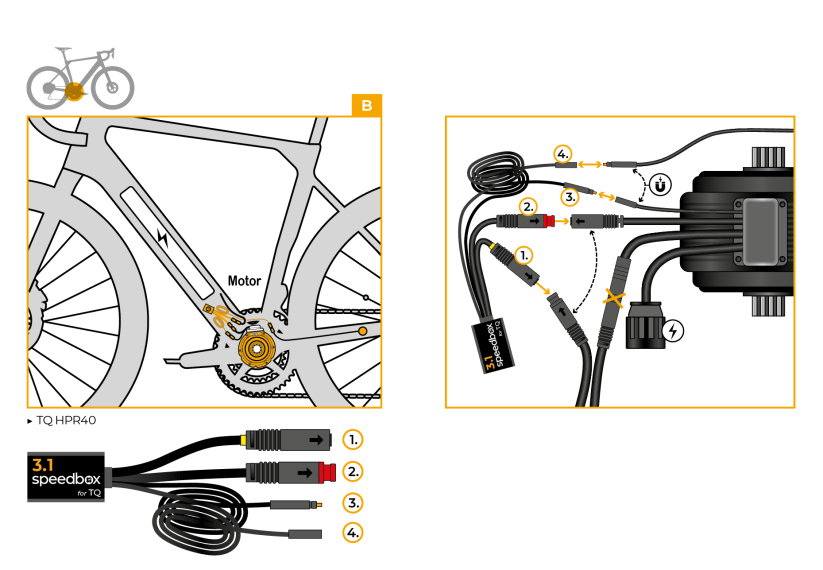


PROPERTIES:
Speed limiter: deactivated
Activation:via ↑↓↑↓ sequence or WALK + ↑↓
Display shows: actual values
Compatible with:
Motors TQ HPR40
Motors TQ HPR50
Motors TQ HPR60
Not compatible with: SpeedBox Connect
We do not recommend updating the software of the e-bike
More
Product code: SB31_TQ_100+16pcs_BOX Shipping and Payment
Key features
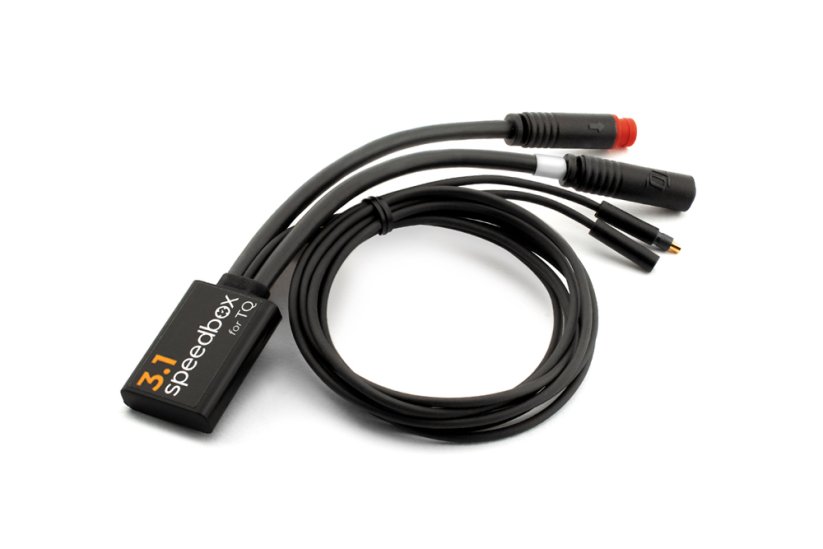
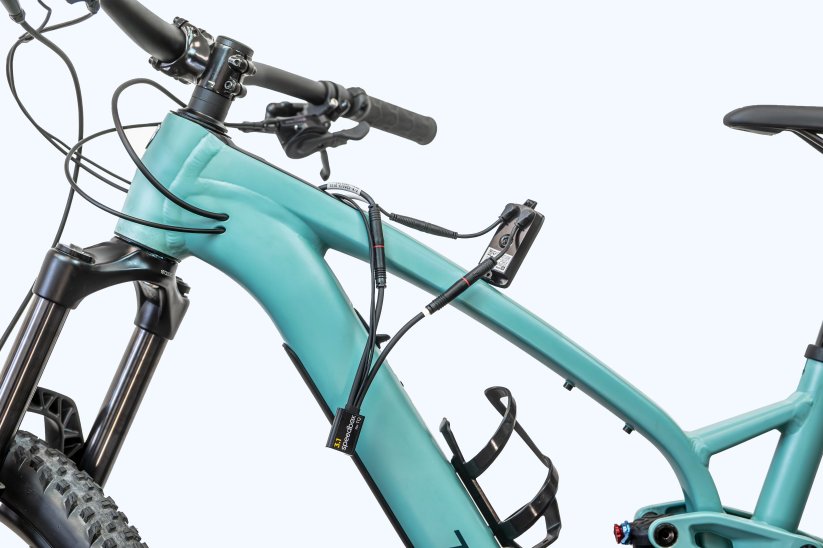
SpeedBox 3.1 is a third-generation tuning chip for e-bikes with a TQ HPR40/50/60 motor, with full speed limit customization. It disables the speed limiter so you can enjoy riding at unlimited speed, while the display keeps showing real values such as maximum and average speed, daily mileage and range.

Tuning control
Activated via the ↑↓↑↓ sequence or WALK + ↑↓

Real values on the display
The display keeps showing maximum and average speed, daily distance and range
Easy installation
Thanks to clear instructions including a video, anyone can handle the installation
Compatibility
Motors: TQ HPR40, TQ HPR50, TQ HPR60
Not compatible with: SpeedBox Connect
Technical specifications
| Maximum speed | Unlimited |
|---|---|
| Display shows | Real values |
| Custom speed limit | Adjustable (in steps of 5 km/h) |
| Activation | Via ↑↓↑↓ sequence or WALK + ↑↓ |
| Minimum ride distance before installation | 10 km (new bike) |
Installation
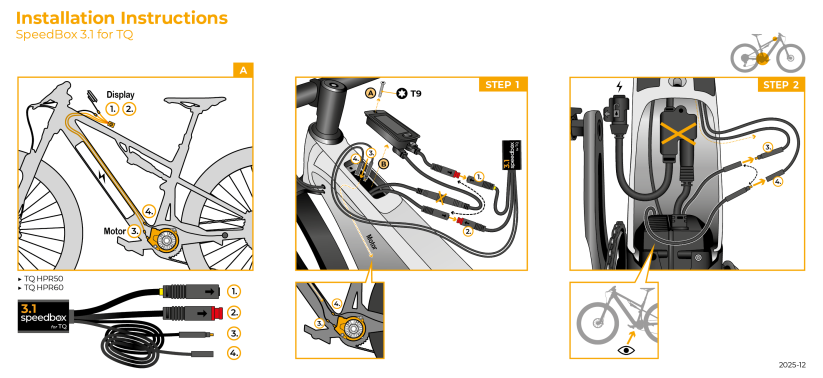
Installing the device is easy and intuitive. Choose the option that suits you best – a video guide, a printed manual, or a detailed step-by-step picture guide.
Video guide
Detailed installation and tuning activation procedure for e-bikes with TQ HPR40/50/60 motors
Printed manual
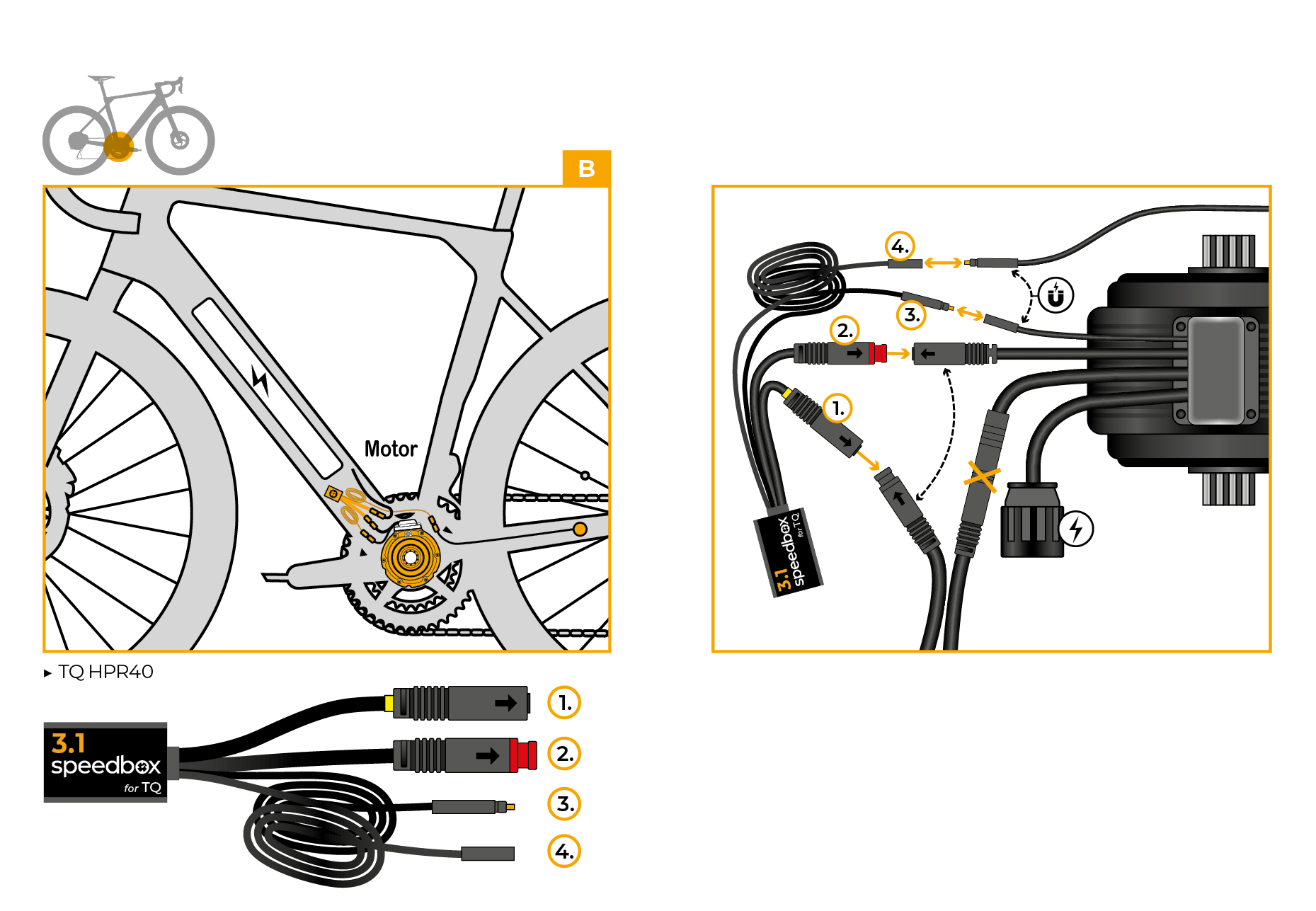
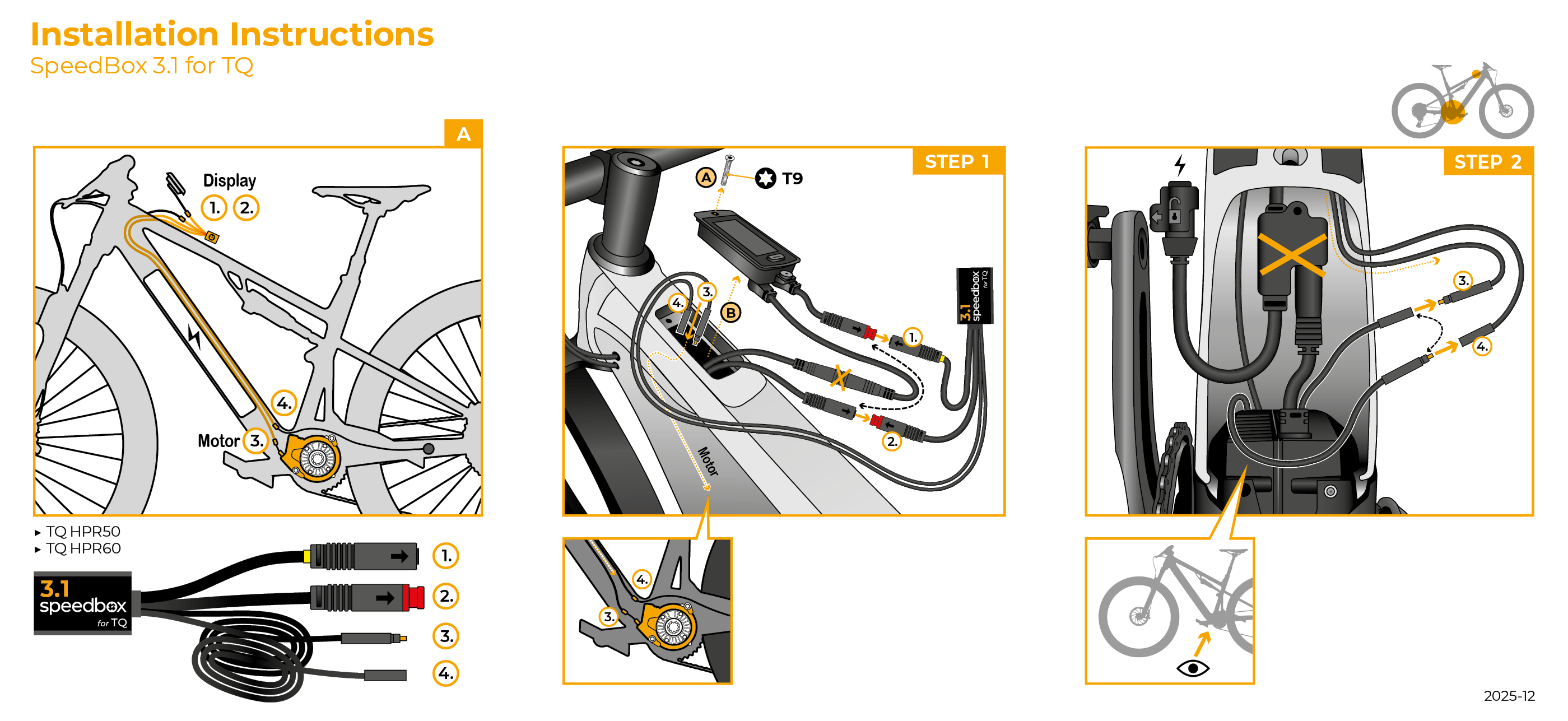
Inside the product package you will find a printed manual including a wiring diagram for connecting the chip to the motor
Step by step
The illustrated guide will walk you through the installation step by step — from removing the motor cover to the test ride. Each step is accompanied by photos and clear explanations.
User Manual →Tuning control
You activate the tuning by briefly pressing the assistance modes in this sequence: ↑↓↑↓ or ↓↑↓↑. The display will briefly show 99 KMH, indicating that the tuning is active and you can ride at unlimited speed, limited only by your pedaling cadence.
Use the same sequence to deactivate the tuning – the display will show 25 KMH.
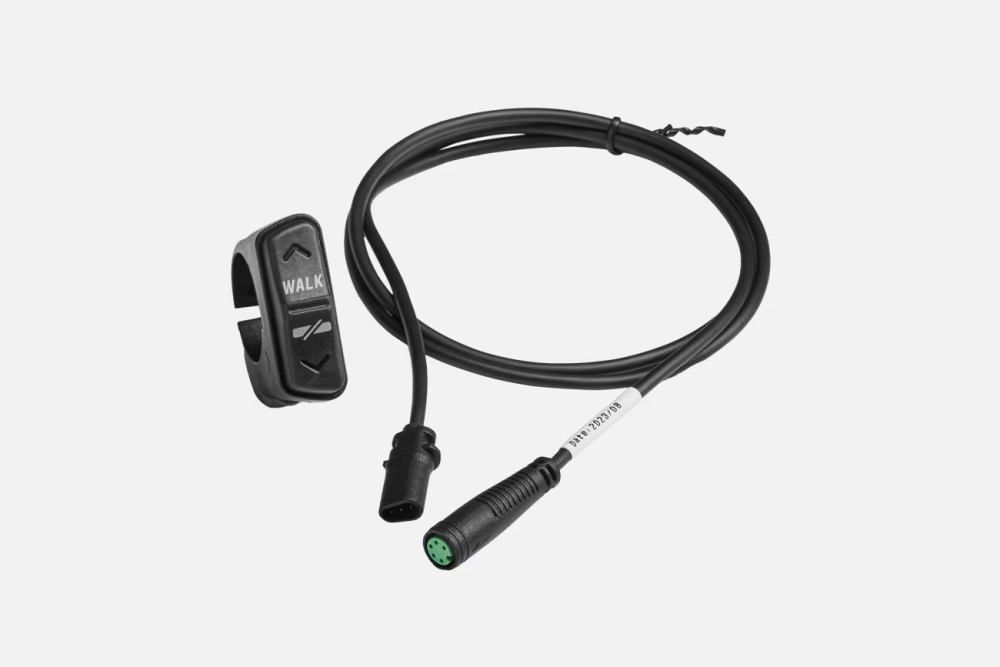
Alternatively, you can activate or deactivate the tuning by holding the WALK button and then pressing ↑↓.
We recommend activating or deactivating the tuning before you start your ride.
If you don't have it, choose the B.Tuning version, which can be controlled via the SpeedBox Connect app.
Setting the maximum speed
You set the speed limit by switching the modes in this sequence: ↓↓↓ and ↑↑↑. The current limit will then appear on the display.
You change the limit by rotating the rear wheel – each rotation increases the limit by 5 km/h. You can also adjust the limit with the WALK + ↑↓ combination.
The last selected limit is saved automatically after 5 seconds of inactivity.

Warning
- Rules for using derestricted e-bikes vary by country, so check local legislation before riding.
- SpeedBox is intended for off-road use only and you use it at your own risk.
- The manufacturer is not liable for damage caused by illegal or improper use.
- Installation may also void your e-bike warranty.
- For your safety, use appropriate protective gear and ride with maximum caution.
- We do not recommend updating the e-bike software.



| Bluetooth/ SpeedBox Connect | NO |
|---|