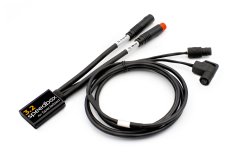

SpeedBox 3.1 for Specialized - Package: BOX, Qty: 10 pcs + 1 free


PROPERTIES:
Maximum speed: unlimited
Speed limit setting: YES
Display shows: actual values
Activation: activated at all times
Compatible with: all Specialized e-bike motors (including SL) and control units TCU/MasterMind TCU
Not compatible with:
SpeedBox App
Specialized GEN 4 (3.1/S-Works)
IGH electronic shifting
More
Product code: SB31_SPE_10+1pcs_BOX Shipping and Payment
Key features
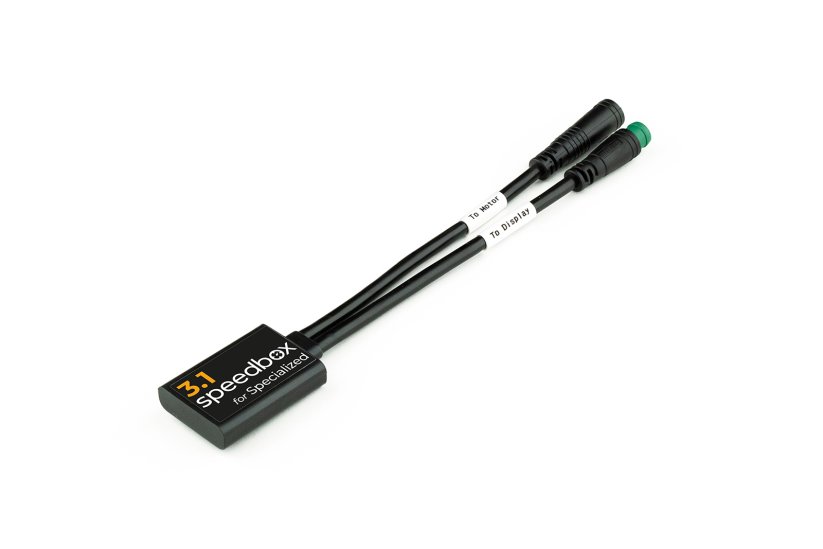
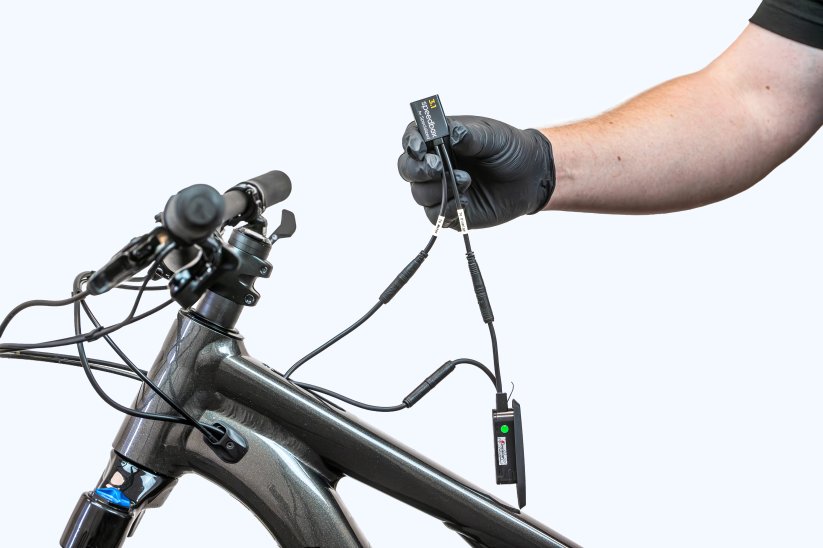
SpeedBox 3.1 is a tuning chip with an option to set a speed limit for Specialized e-bikes, including SL motors, and the TCU / MasterMind TCU control units. It disables the speed limiter so you can enjoy riding at unlimited speed, while the display keeps showing real values such as maximum and average speed, daily mileage and cruising range.

Tuning control
Activated by switching the e-bike off and on twice, then it stays active

Real values on the display
The display keeps showing maximum and average speed, daily distance and range
Easy installation
Thanks to clear instructions including a video, anyone can handle the installation
Compatibility
Motors: all Specialized e-bike motors, including SL
Control units: TCU, MasterMind TCU
Not compatible with: Specialized GEN 4 (3.1 / S-Works), IGH electronic shifting
Technical specifications
| Maximum speed | Unlimited (preset assistance limit of 50 km/h) |
|---|---|
| Display shows | Real values |
| Custom speed limit | Adjustable (in steps of 5 km/h) |
| Activation | Activated at all times (set by switching the e-bike off and on twice) |
| Minimum ride distance before installation | 10 km (new bike) |
Installation
Installing the device is easy and intuitive. Choose the option that suits you best – a video guide, a printed manual, or a detailed step-by-step picture guide.
Video guide
Detailed installation and tuning activation procedure for Specialized e-bikes, including SL motors
Printed manual
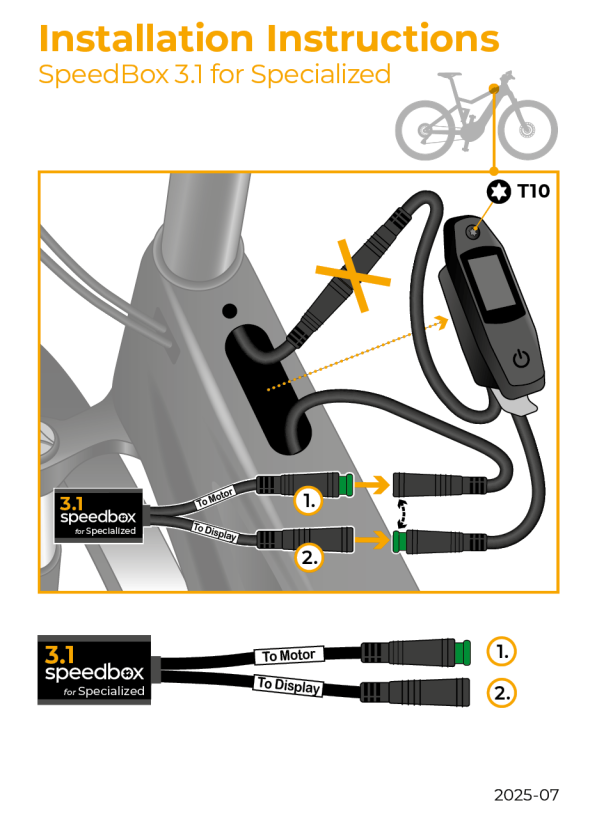
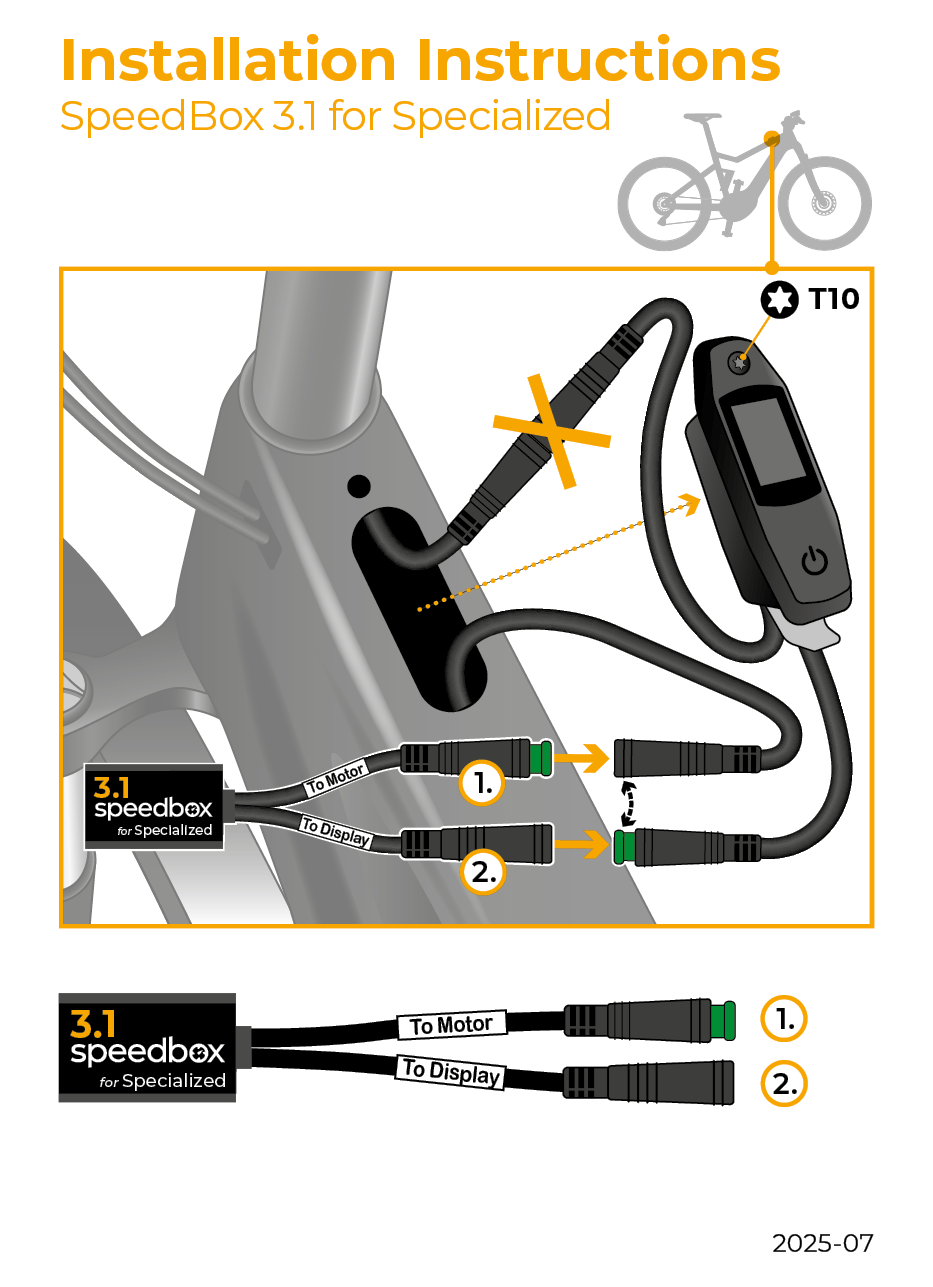
Inside the product package you will find a printed manual including a wiring diagram for connecting the chip to the motor
Step by step
The illustrated guide will walk you through the installation step by step — from removing the motor cover to the test ride. Each step is accompanied by photos and clear explanations.
User Manual →Tuning control
SpeedBox is installed into the e-bike frame under the TCU / MasterMind TCU unit.
You activate the tuning by switching the e-bike off and on twice. After that, the tuning remains active with a set maximum assistance speed of 50 km/h.
You can check the currently set maximum speed limit by pressing the + - + - button combination.
Setting a custom speed limit
You set the maximum speed limit by switching the modes from TURBO three levels down and then three levels up: TRAIL → ECO → OFF → ECO → TRAIL → TURBO.
The display will show the default maximum speed limit of 25 km/h. With each brief activation of the WALK function, the limit increases by 5 km/h (some displays may round to the nearest number).
The last displayed limit is saved after 5 seconds of inactivity. Confirm the setting by switching the e-bike off and on twice.
Removing the tuning
If you want to uninstall the SpeedBox from your e-bike, first set the assistance speed back to 25 km/h by doing the mode switch sequence again, and confirm by switching the bike off and on twice.
Note: Speed indication in the Specialized Mission Control app may not display correctly. If you have a TCU without a display or without a WALK function, we recommend purchasing the B.Tuning version compatible with the SpeedBox Connect app.

Warning
- Rules for using derestricted e-bikes vary by country, so check local legislation before riding.
- SpeedBox is intended for off-road use only and you use it at your own risk.
- The manufacturer is not liable for damage caused by illegal or improper use.
- Installation may also void your e-bike warranty.
- For your safety, use appropriate protective gear and ride with maximum caution.



| Bluetooth/ SpeedBox Connect | NO |
|---|
Ramūnas Dranseika
PositivesGreat product. Works fine
Negatives
SHOICHI TANAKA
Positives速度リミットは解除することができました。
Negativesホイールの外径を設定するモードが起動できません。
Related products4
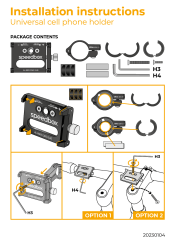
Universal Cell Phone Holder

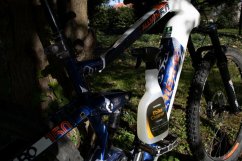
SpeedBox Ebike Cleaner


SpeedBox ChainCare Pro