

SpeedBox 1.4 B.Tuning for Bosch SX (Smart System + Rim Magnet) - Package: BAG, Qty: 100 pcs + 16 free
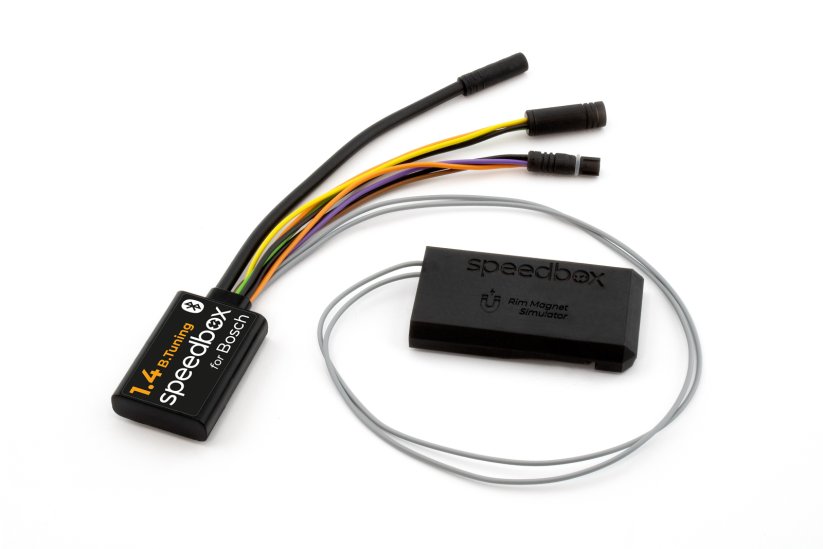
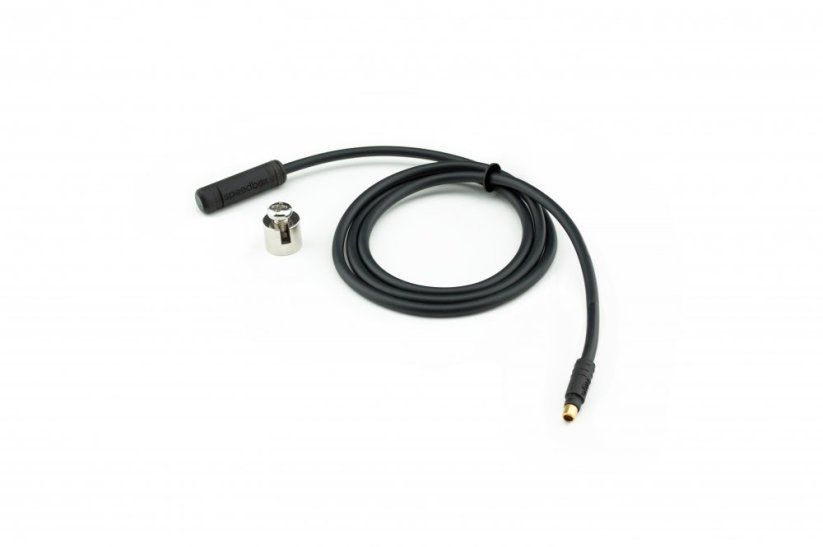





Tuning chip for e-bikes with Bosch Performance Line SX motor and Rim Magnet
Unlock the 25 km/h limit and use the full power of your e-bike!
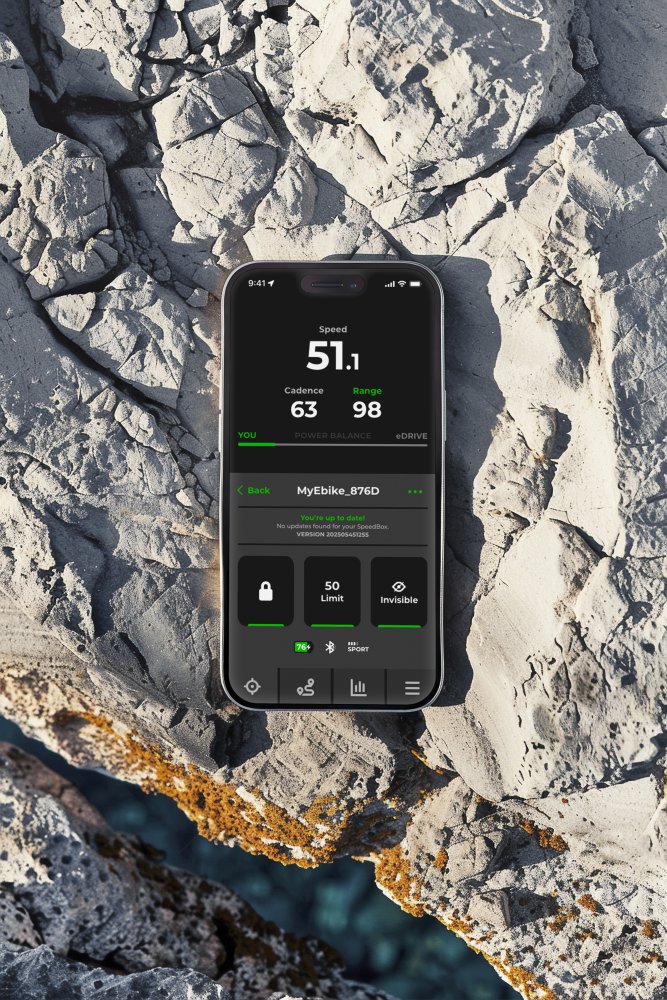
Bluetooth • SpeedBox Connect
The product is fully compatible with motors
Performance Line SX 4th generation
(Motor models BDU3142)
(Motor models BDU3143)
• Motor mounting: 2 upper screws
View overview of supported software versions
More
Product code: SB14BT_B_100+16pcs_BAG Shipping and Payment
Key features
SpeedBox 1.4 B.Tuning with integrated Bluetooth is a tuning chip for e-bikes with Bosch Performance Line SX motors mounted with 2 upper screws and a rear wheel valve magnet. It removes the 25 km/h speed limit and, thanks to the SpeedBox Connect, offers a unique connection between your e-bike and smartphone.

Tuning control
Switch between the 25 km/h limit and unlimited mode

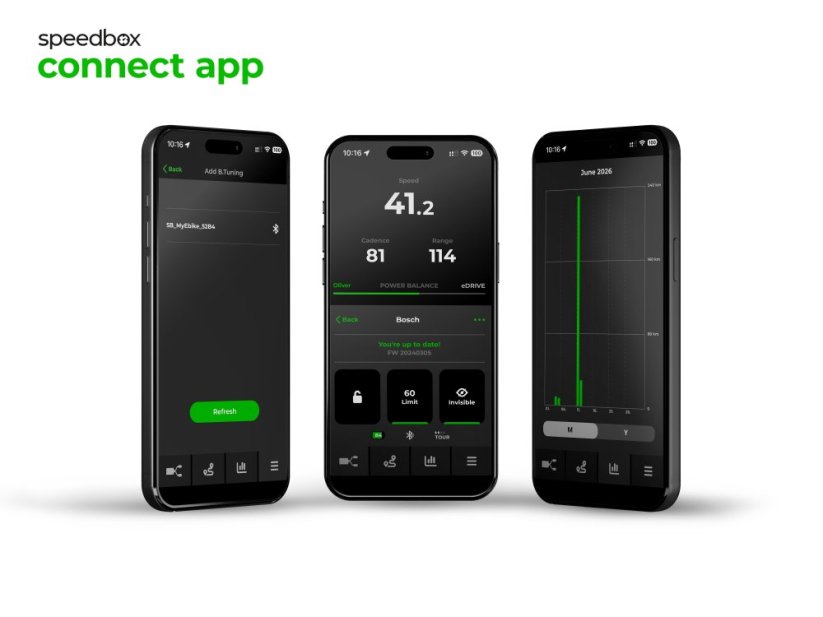
SpeedBox Connect
The B.Tuning version with Bluetooth connects your e-bike to your mobile phone

Easy installation
Thanks to clear instructions including a video, anyone can handle the installation
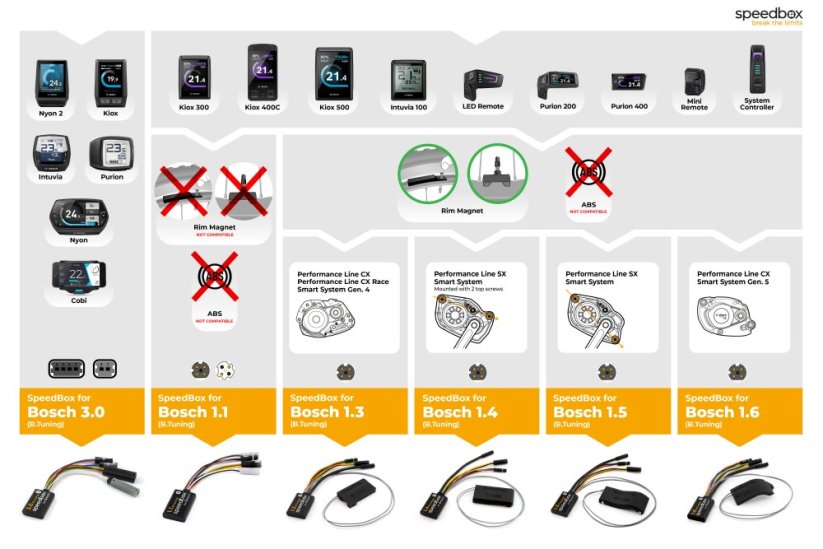
Compatibility
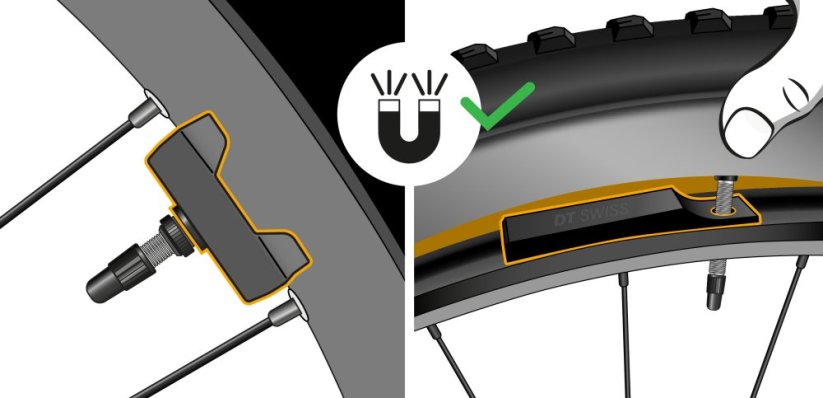
Motors: Bosch Performance Line SX mounted with 2 upper screws (with Rim Magnet)
Displays: Kiox 300, Kiox 500, Intuvia 100, Purion 200, Purion 400
Units: LED Remote, Mini Remote, System Controller
Not compatible with: CX motors, motors with a classic spoke magnet, ABS, Enviolo Automatiq
Technical specifications
| Maximum speed | Factory preset 35 km/h (EU) / 22 mph (US). Do not change the speed limit.* |
|---|---|
| Display shows | Values approx. 10 km/h lower than the actual speed |
| 3 activation / deactivation | SpeedBox Connect / WALK function / + - + - buttons |
| Custom speed limit | Adjustable |
| Bluetooth | Yes |
| Updates | Yes |
| Minimum mileage before installation | 10 km (new bike) |

Installation
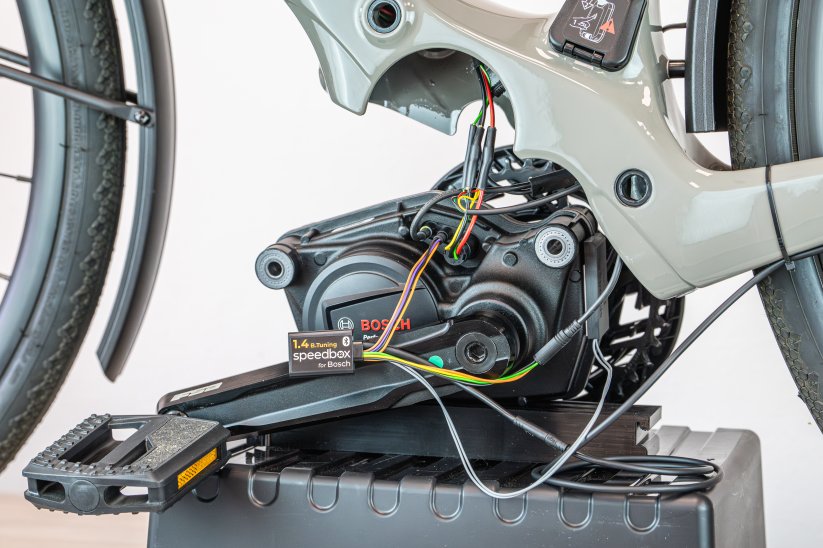
Installing the device is easy and intuitive. Choose the option that suits you best – a video guide, a printed manual, or a detailed step-by-step picture guide.
Video guide
You can find a detailed installation and tuning activation procedure on our YouTube channel
Printed manual
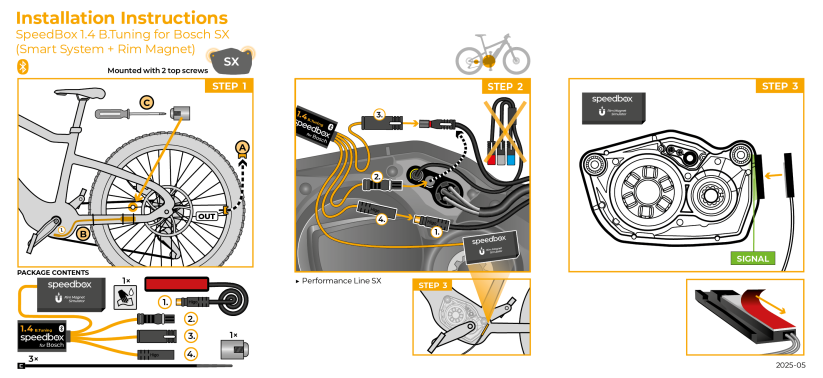
Inside the product package you will find a printed manual including a wiring diagram for connecting the chip to the motor
Step by step
The illustrated guide will walk you through the installation step by step — from removing the motor cover to the test ride. Each step is accompanied by photos and clear explanations.
User manual →Recommendations for trouble-free SpeedBox operation
- Keep the e-bike turned on after each ride until the “Countdown” (distance recalculation) is completed.
- During short stops, keep one foot on the pedal to prevent the countdown from starting.
- During longer stops, allow at least part of the countdown process to complete.
- Do not disconnect the display before the countdown is finished.
- Do not perform software updates – disable automatic updates.
- Always activate/deactivate tuning before or after the ride, not during.
- Do not increase the set maximum speed of 35 km/h.
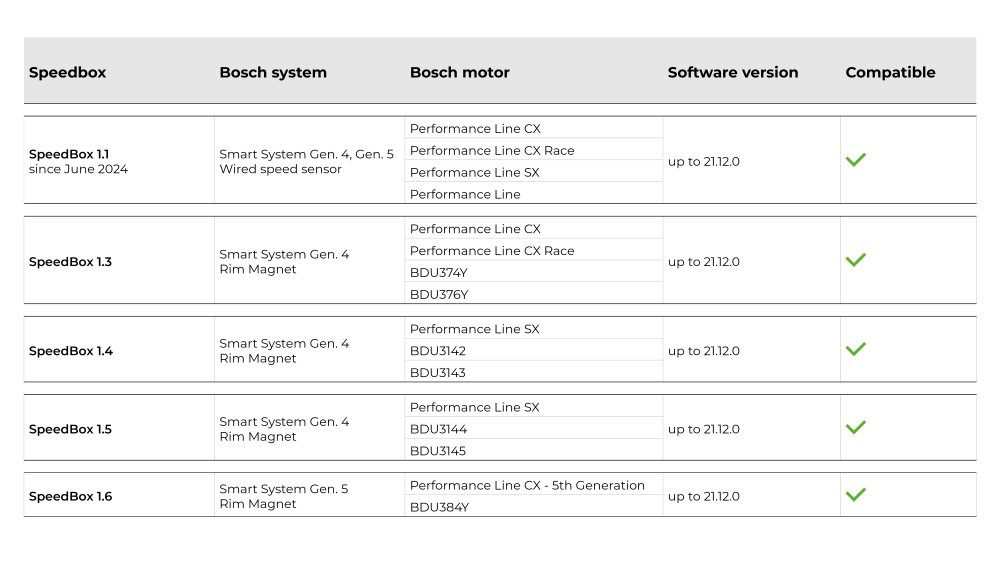
Overview of supported software versions:
Click the image below to view the complete compatibility chart.

Warning
- Rules for using derestricted e-bikes vary by country, so check local legislation before riding.
- SpeedBox is intended for off-road use only and you use it at your own risk.
- The manufacturer is not liable for damage caused by illegal or improper use.
- Installation may also void your e-bike warranty.
- For your safety, use appropriate protective gear and ride with maximum caution.



| Bosch Motor |  |
|---|---|
| Bluetooth/ SpeedBox Connect | YES |
loic CHAMOUTON
Positives
Negativesproduit non fiable, deux fois en panne en moins de 150 kms, je demande le retour et remboursement
Olivier De Backer
PositivesExcellent product and outstanding customer service.
The SpeedBox tuning works perfectly and is straightforward to install. I am very ...More
NegativesMy only advice when installing the SpeedBox would be to take particular care with the connectors. They are relatively delicate and can be damaged ...More
Paul Owen
PositivesInstructions are good. Works as discribbed.
NegativesThe count down process is a bit of a pain.
It would be good if it could use the factory valve stem rim magnet instead of having to put one on ...More
Related products3
Universal Cell Phone Holder


SpeedBox ChainCare Pro