
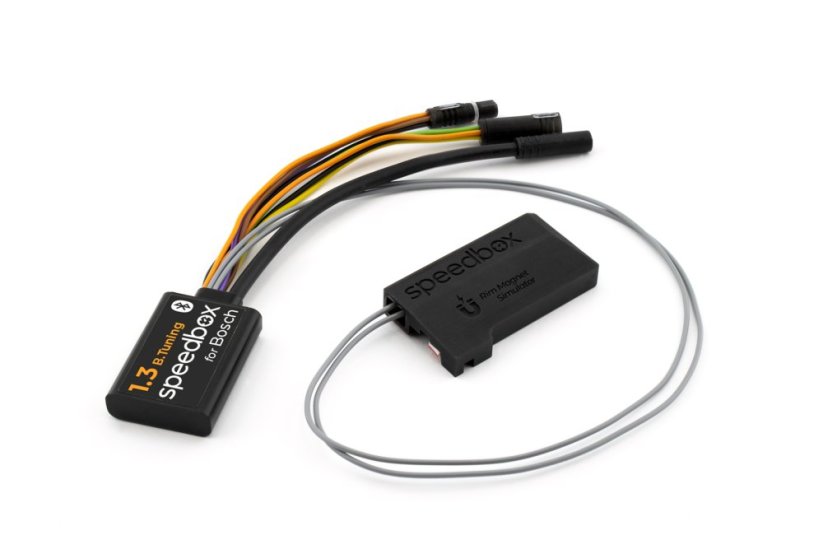
SpeedBox 1.3 B.Tuning for Bosch (Smart System Gen.4 + Rim Magnet) - Package: BOX, Qty: 20 pcs + 3 free
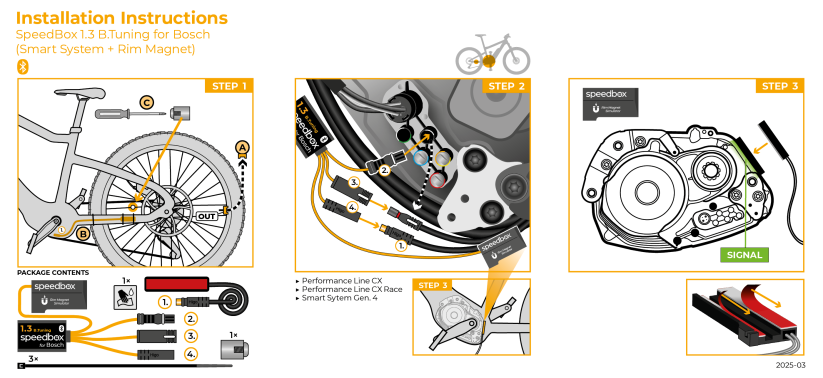
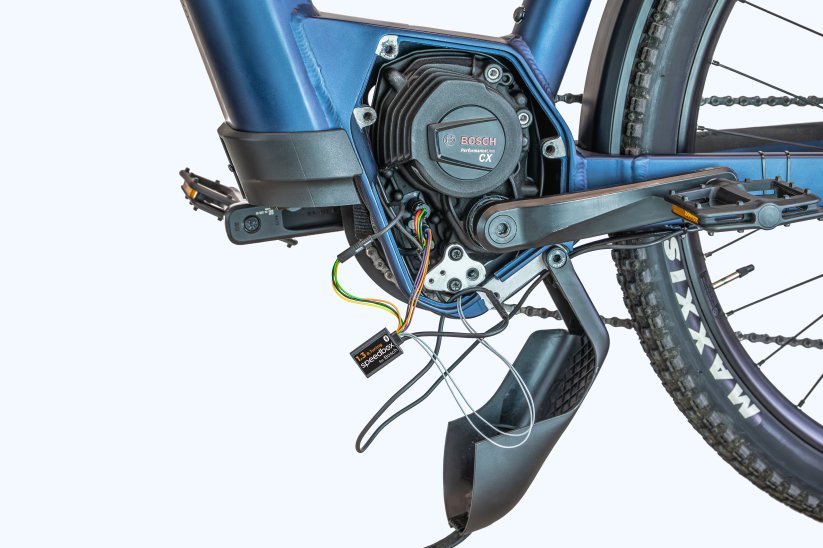
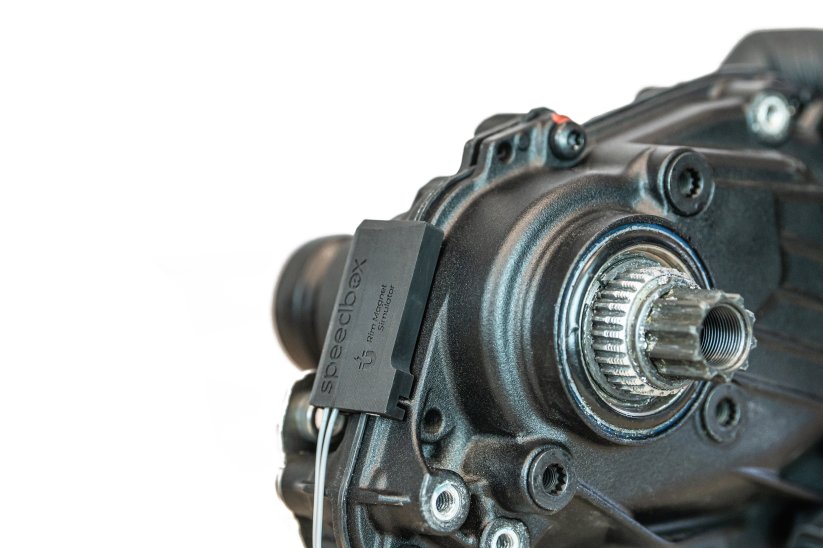
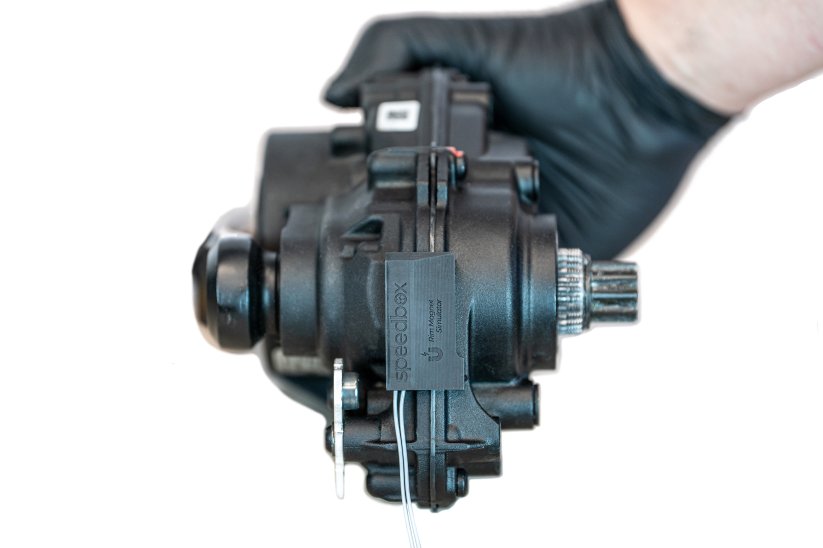





Unlock the 25 km/h limit of your e-bike!
Tuning chip for Bosch 4th generation motors with Rim Magnet
Bluetooth • SpeedBox Connect
Compatibility
Performance Line CX / CX Race / Speed motors
View overview of supported software versions
More
Product code: SB13BT_B_20+3pcs_BOX Shipping and Payment
Key features
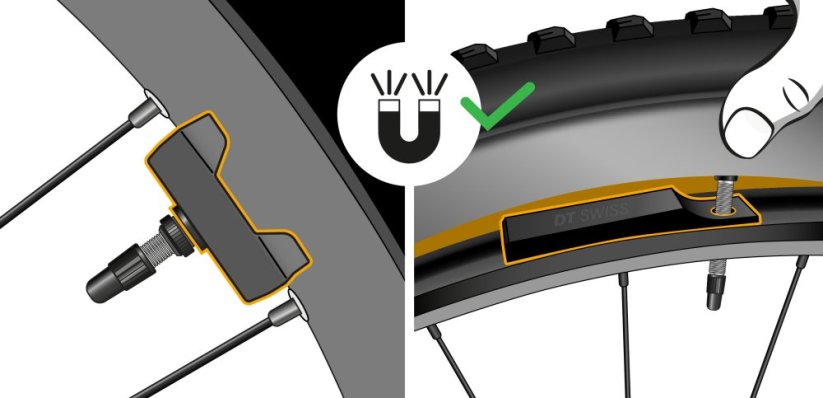
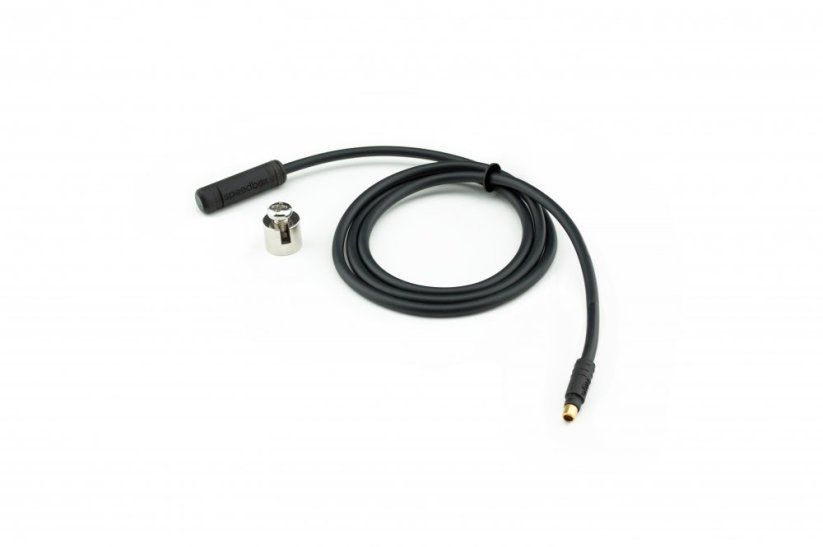
SpeedBox 1.3 B.Tuning with integrated Bluetooth is a tuning chip for e-bikes with Bosch Smart System 4th generation motors and a magnet mounted on the rear wheel valve. It removes the 25 km/h speed limit and, thanks to the SpeedBox Connect, offers unique connectivity between your e-bike and smartphone.

Tuning control
Switching from the 25 km/h limit to unlimited mode and back

SpeedBox Connect
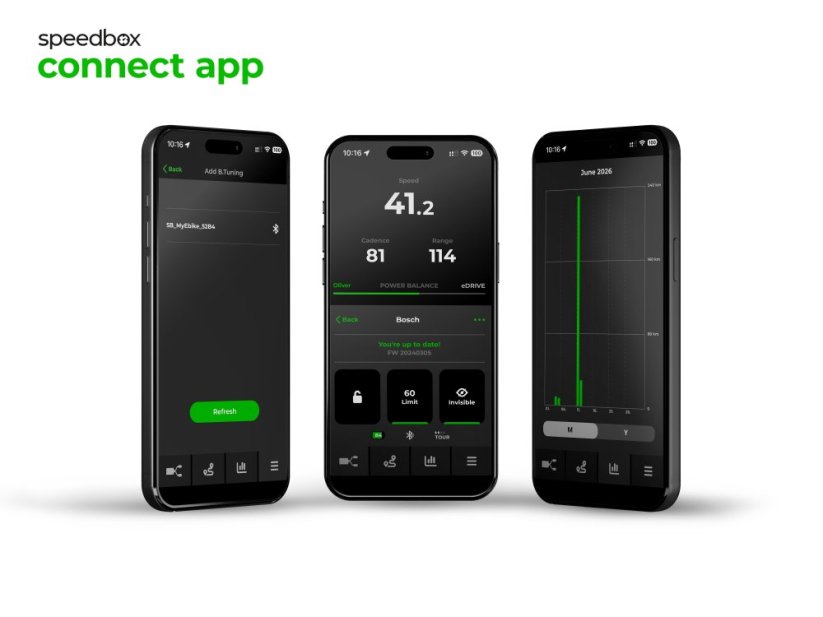
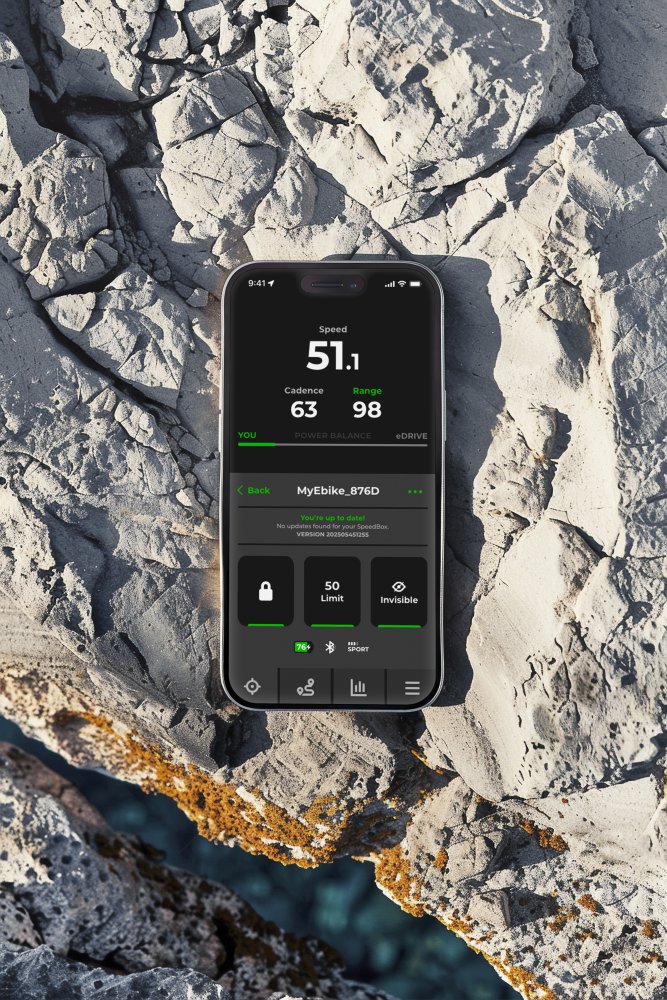
The B.Tuning version with Bluetooth connects your e-bike to a mobile phone

Easy installation
Thanks to clear instructions including a video, anyone can handle the installation/p>
Compatibility
Motors: Performance Line CX / CX Race / Speed (with Rim Magnet)
Displays: DKiox 300, Kiox 500, Intuvia 100, Purion 200, Purion 400
Units: LED Remote, Mini Remote, System Controller
Not compatible with: 5th gen. and SX motors, ABS system, spoke magnet, Enviolo Automatiq
Technical specifications
| Maximum speed | Factory preset 35 km/h (EU) / 22 mph (US). Do not change the speed limit.* |
|---|---|
| Display shows | Values approx. 10 km/h lower than the actual speed |
| 3 activation / deactivation | SpeedBox Connect / WALK function / + - + - buttons |
| Custom speed limit | Adjustable |
| Bluetooth | Yes |
| Updates | No |
| Minimum mileage before installation | 10 km (new bike) |

Installation
Installing the device is easy and intuitive. Choose the option that suits you best – a video guide, a printed manual, or a detailed step-by-step picture guide.
Video guide
You can find a detailed installation and tuning activation procedure on our YouTube channel
Printed manual
Inside the product package you will find a printed manual including a wiring diagram for connecting the chip to the motor
Step by step
The illustrated guide will walk you through the installation step by step — from removing the motor cover to the test ride. Each step is accompanied by photos and clear explanations.
User manual →Recommendations for trouble-free SpeedBox operation
- Keep the e-bike turned on after each ride until the “Countdown” (distance recalculation) is completed.
- During short stops, keep one foot on the pedal to prevent the countdown from starting.
- During longer stops, allow at least part of the countdown process to complete.
- Do not disconnect the display before the countdown is finished.
- Do not perform software updates – disable automatic updates.
- Always activate/deactivate tuning before or after the ride, not during.
- Do not increase the set maximum speed of 35 km/h.
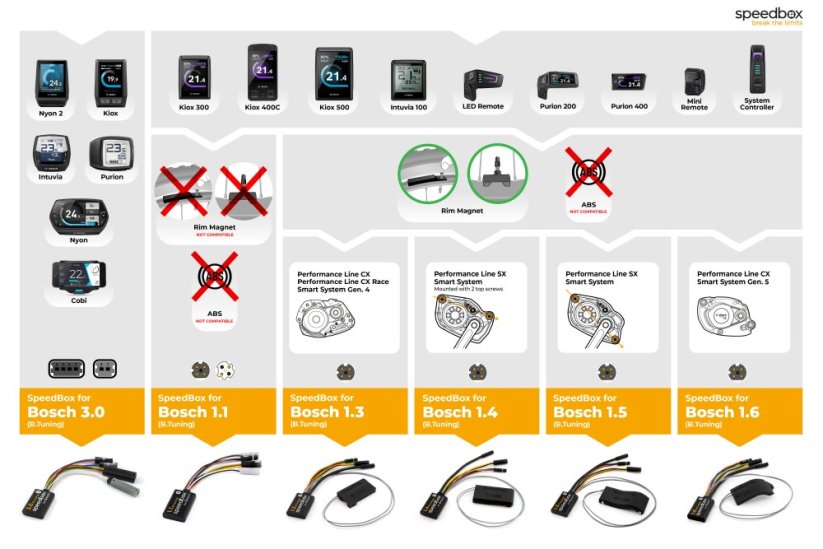
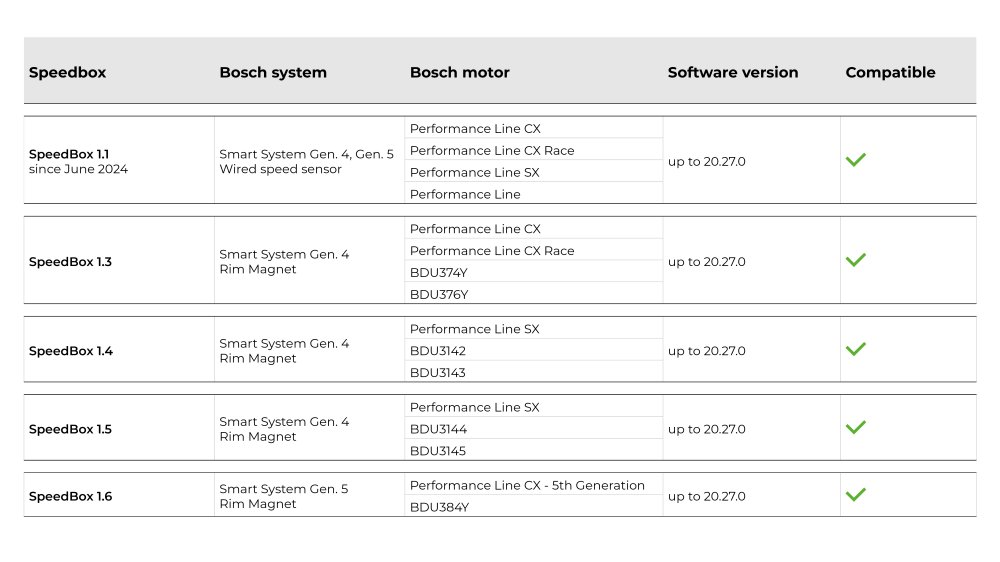
Overview of supported software versions:
Click the image below to view the complete compatibility chart.

Warning
- Rules for using derestricted e-bikes vary by country, so check local legislation before riding.
- SpeedBox is intended for off-road use only and you use it at your own risk.
- The manufacturer is not liable for damage caused by illegal or improper use.
- Installation may also void your e-bike warranty.
- For your safety, use appropriate protective gear and ride with maximum caution.



| Bosch Motor |  |
|---|---|
| Bluetooth/ SpeedBox Connect | YES |
Andreas Brett-Scheurich
Positivesschnelle Lieferung alles Gut
NegativesEinbauanleitung
Related products3
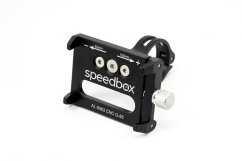
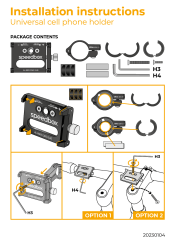
Universal Cell Phone Holder


SpeedBox ChainCare Pro